Comparison
Pomp Product Personalizer vs Zakeke
Zakeke is the best-known product designer for WooCommerce, and a strong one. It is also a different kind of product from Pomp: a hosted service built around a full designer, where Pomp is a plugin built around your designs, the customer’s own text and the customer’s own artwork. This page sets them side by side so you can tell which one your shop needs.
Written by the maker of Pomp. Zakeke’s details are from its own pricing page and its wordpress.org listing, checked in September 2026. Prices change; check theirs before you decide.
At a glance
| Zakeke | Pomp Product Personalizer | |
|---|---|---|
| What it is | Hosted product designer, connected to WooCommerce by a plugin | WooCommerce plugin, runs on your own server |
| Customer starts from | A product to design, with templates if you make them | Your finished designs; in Pro also their own text or their own logo or picture, chosen side by side |
| Preview | 2D and 3D, AR and virtual try-on | 2D on the real product photo, bent to curved surfaces; in Pro every side on its own photo: front, back, sleeve |
| Customer’s own text and uploads | Yes | In Pro: their own text, written line by line in the fonts you allow, or their own SVG or image, previewed on the product and checked before print |
| Print file | PDF, EPS, AI; CMYK and Pantone on bigger plans | SVG or PDF with text as vector outlines, in the shape of the print area; spot colours such as Pantone and White Ink in Pro |
| Where designs and files live | Zakeke’s servers | Your database and uploads folder |
| Free version | None. The plugin is free to install, but works only with a paid plan after a 14-day trial | Yes, complete on its own and on wordpress.org |
| Price | From $59 a month, plus 1.5 to 1.9 % of each personalised sale | Free; Pro 99 euro a year for one shop |
| Fitting one design to every product | Set up in Zakeke’s own dashboard | Print area, rotation, colour per variation and a warp grid set once per product; every line of a design with its own height, position, margins and colour |
| Product limits | 10, 50 or 100 products by plan | None |
| On wordpress.org | About 2,000 active installs, 4.7 stars | New in September 2026 |
Why Pomp is the better choice
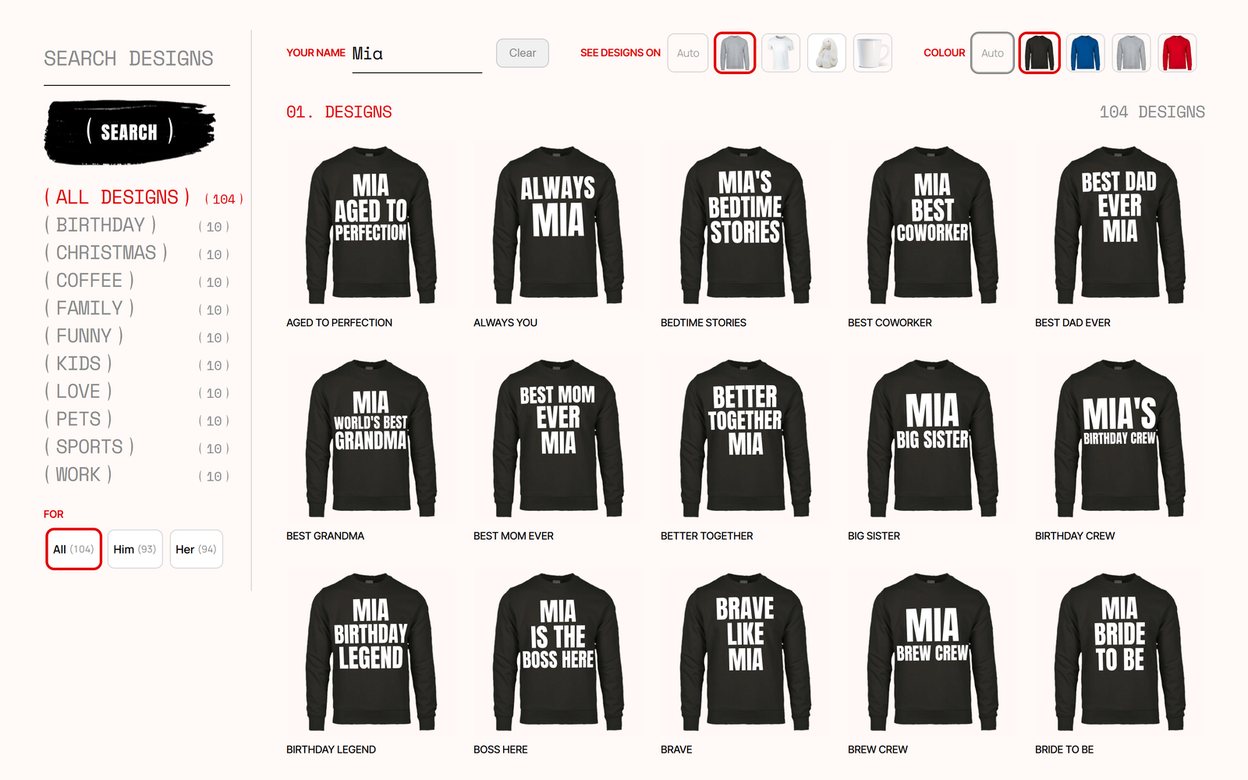
- Your shop sells names on designs. Birthday shirts, name mugs, team wear, baby bodysuits: the design is yours and the customer adds the name. Pomp is built for exactly that, and every design works on every product you set up, so a new slogan is ready on shirts, mugs and caps at once.
- Your customers bring their own words or their own logo. Most customers now make their artwork on their phone and only need somewhere to send it. With Pro they write their own text line by line, in the fonts, spacing and margins you allow, or upload a logo or picture as SVG or an image. It is drawn on the product as they go, an SVG bends to the product’s shape like the lettering does, and every upload is checked, rebuilt for print and held for your approval before its file is issued. Nothing reaches the printer that you cannot print.
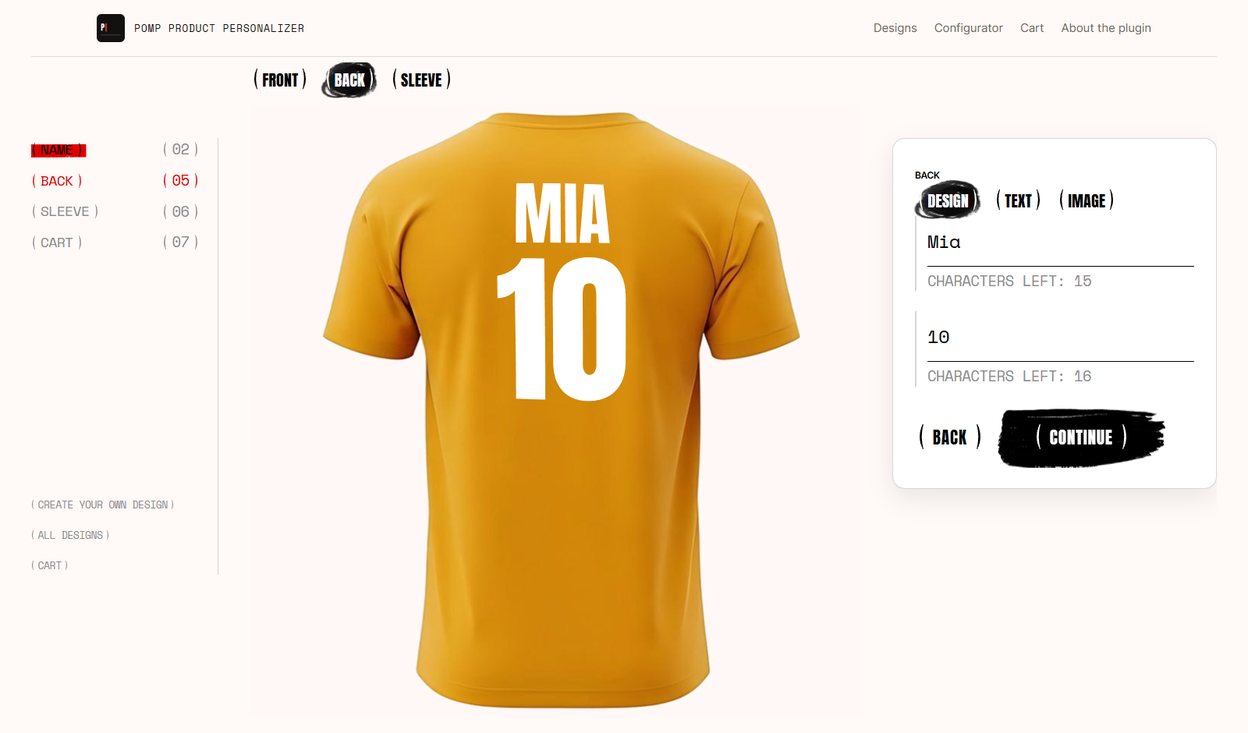
- Every side, named by you. With Pro one product prints on up to five sides that you set up and name: the back and a sleeve of a jersey, both sides of a mug, both faces of a tote bag or a cushion. Each side is shown on its own photo of the real product, so the customer sees the back before they buy. That is what most shops want 3D for. For each side you decide what the customer may put there: the design’s text, such as a surname and number on the back, their own text, their own logo or photo, or your own graphic, such as a crest on the sleeve. Each side has its own print area and warp, a step of its own for the customer, and its own print file on the order.
- You want to start without paying. Zakeke has no free plan: the plugin is free to download, but it needs a paid Zakeke account once the trial ends. Pomp’s free plugin is the whole product for designs with a name, with no trial and no time limit, and Pro is there when you want the customer’s own text and artwork.
- You want full control of how the print sits. Each product gets its own print area, rotation, print colour per variation and a warp grid that bends the preview around a mug or a cap, set once and copied to products of the same shape. Each line of a design has its own height, position, margins and colour. So one design looks right on a shirt, a mug and a cap alike, and the print file still arrives flat, in the shape of the print area. More in print placement and warp.
- You would rather not pay per sale. A fee of 1.5 to 1.9 % is small on one order and large over a year of them. Pomp charges nothing per order, and the free plugin nothing at all.
- It is fast, and it is all yours. The name is drawn on your own server in about 18 ms as it is typed, measured on the demo shop’s hosting, and the configurator adds about 76 kB of its own script and styles to the page. There is no outside service in the path of a sale.
- You want your data on your own server. Designs, customer names and print files stay in your WordPress install. There is no account to sign up for and no service that has to be up for your shop to take orders.
- You have many products. There is no cap on how many products or designs you set up.
The honest summary
For most shops Pomp is the better choice: it is free to start, charges nothing per sale, keeps everything on your own server, fits every design to every product with its own placement, colour and warp, and with Pro takes the customer’s own words or finished artwork. Zakeke is worth its monthly price only if you need a 3D model the customer can turn, AR and virtual try-on, or a free canvas where customers drag several pieces around themselves. Seeing the back of the shirt is no longer one of those reasons: Pomp Pro shows every side on its own photo.
Not sure which kind of shop you are? Product customizer or t-shirt designer: how to choose walks through it, and the best WooCommerce personalizer plugins puts the other options beside these two.