Comparison
Pomp Product Personalizer vs Fancy Product Designer
Fancy Product Designer, FPD for short, is one of the longest-running product designers for WooCommerce. Like Pomp it runs on your own server. Unlike Pomp it hands the customer a blank canvas. Pomp gives them your designs to fill in, and in Pro also lets them write their own text or upload their own artwork, placed where you set it. Which is better depends on how much freedom your customers need, and how much checking you want to do before you print.
Written by the maker of Pomp. FPD’s details are from its own website and support documentation, checked in September 2026. Check theirs before you decide.
At a glance
| Fancy Product Designer | Pomp Product Personalizer | |
|---|---|---|
| What it is | Self-hosted product designer plugin | Self-hosted personalizer plugin |
| Where you get it | CodeCanyon, not on wordpress.org | wordpress.org; Pro from this site |
| Free version | None on wordpress.org; sold on CodeCanyon | Yes, complete on its own and on wordpress.org |
| Price | $99 per licence, one site, bought once | Free; Pro 99 euro a year for one shop |
| Customer starts from | A canvas with layers: text, images, uploads, templates | Your finished designs; in Pro also their own text or their own logo or picture, chosen side by side |
| Customer’s own text and uploads | Yes | In Pro: their own text, written line by line in the fonts you allow, or their own SVG or image, previewed on the product and checked before print |
| Export | PDF, SVG, JPG or PNG; layered PDF with embedded fonts through its paid Pro Export service | SVG or PDF, as you choose, with text as vector outlines, with every order; spot colours such as Pantone and White Ink in Pro |
| Fitting one design to every product | Set up in its own product builder | Print area, rotation, colour per variation and a warp grid set once per product; every line of a design with its own height, position, margins and colour |
| Setup per design | Set up in its own product builder | Type the text once; it works on every product |
Why Pomp is the better choice
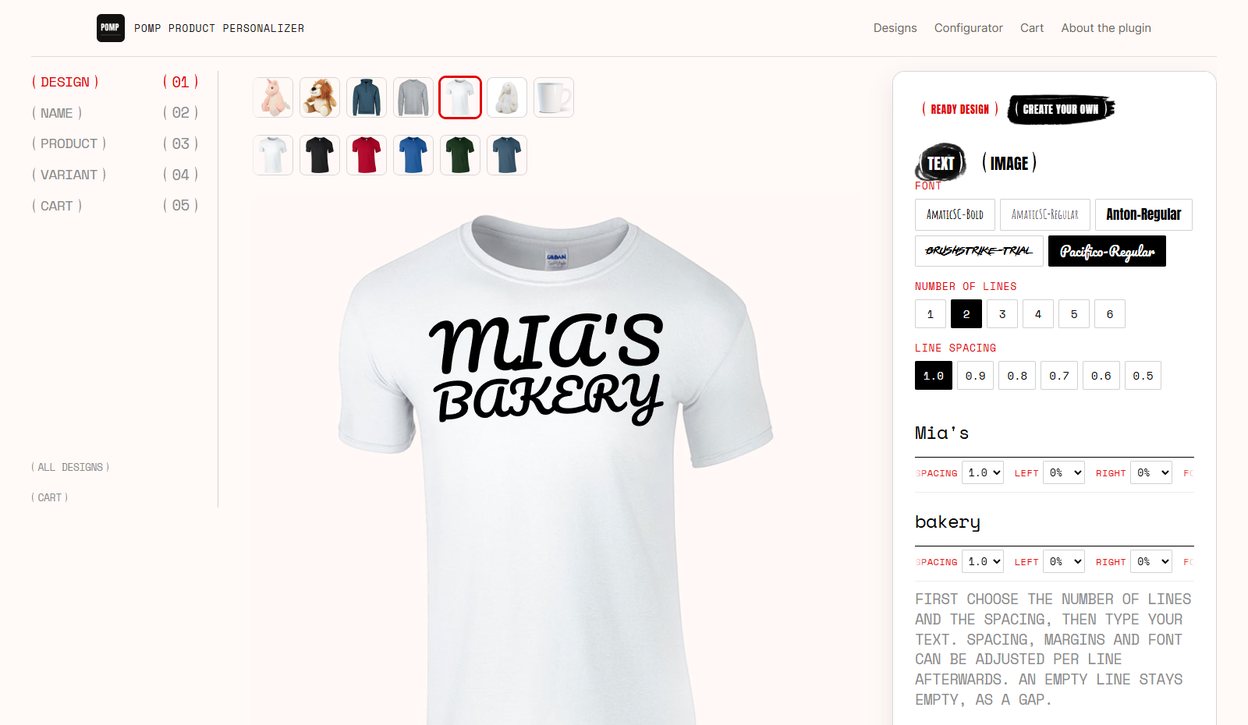
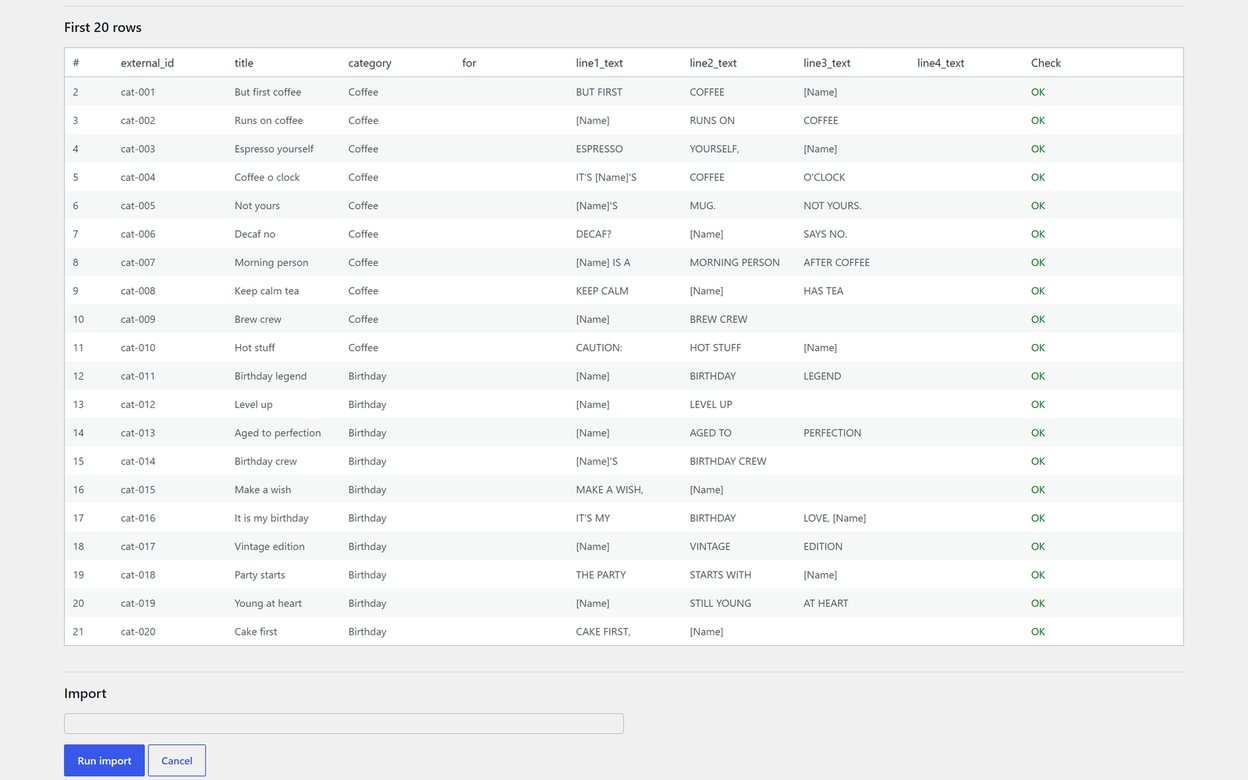
- Your designs are the product. In Pomp a design is written once, as text with a place for the name, and it works on every product you have set up. A hundred new slogans are a hundred lines of text, or one CSV import.
- Uploads you can actually print. In Pro a customer’s SVG or image is checked, rebuilt and held for your approval before its print file is issued, and a picture too small for the print is refused on upload. Their own text is set in the fonts you allow, so it prints in fonts you have.
- You want full control of how the print sits. Each product gets its own print area, rotation, print colour per variation and a warp grid that bends the preview around a mug or a cap, set once and copied to products of the same shape. Each line of a design has its own height, position, margins and colour. So one design looks right on a shirt, a mug and a cap alike, and the print file still arrives flat, in the shape of the print area. More in print placement and warp.
- Every side, set up by you. With Pro one product prints on up to five sides that you name, the back and a sleeve of a jersey or both sides of a mug, and each side prints what you decide: the design’s text, the customer’s own text or upload, or your crest, with its own photo, print area and warp. Where you allow more than one, the customer chooses on that side. They fill in boxes instead of laying out a canvas, and every side arrives with its own print file.
- You want the print file without extra services. Every Pomp order carries an SVG, a PDF or both, with the text already converted to outlines, in the shape of the print area. There is no separate export service and no monthly allowance.
- You want it from wordpress.org. The free plugin is reviewed and served by wordpress.org and updates like any other plugin. Pro is the same code with the customer’s own text and artwork added.
- Your customers are on phones. Most customers now make their artwork on their phone and only need somewhere to send it. A name typed into a form, or a finished picture sent from the phone it was made on, is far less to do on a small screen than a layered canvas.
The honest summary
For most shops Pomp is the better choice: it is free on wordpress.org, every design fits every product with its own placement, colour and warp, every order arrives with a flat SVG or PDF ready to print, and with Pro the customer’s own words or finished artwork are checked before they reach you. Fancy Product Designer is worth it only if your customers want a free canvas to drag several pieces around themselves.
See also Pomp vs Zakeke and the best WooCommerce personalizer plugins.